Help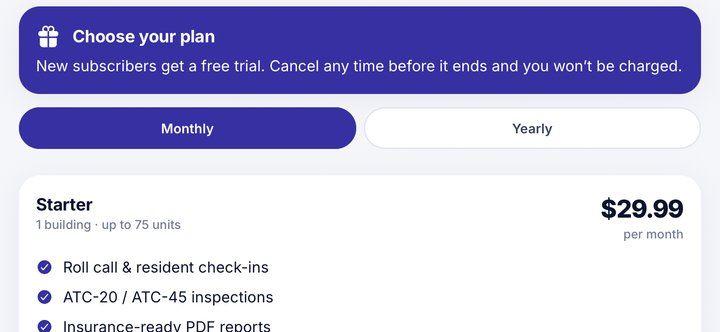
Plans, billing and deleting your account
Plans are App Store subscriptions for the whole organization: Starter, Community or Pro.
- 1Settings → Plan & billing → "See plans". New subscribers get 14 days free; the owner or a manager subscribes.
- 2Everyone in the organization gets the plan after their next sync. New phone? Tap "Restore purchases".
- 3Change plan or cancel: "Manage subscription" (or iPhone Settings → your name → Subscriptions).
- 4Delete your account: Settings → Account & sync → "Delete account", then confirm twice.
- 5Your sign-in and personal details are removed. Records the property keeps (inspections, roll calls) stay, with your name removed.
- 6Can’t sign in? Use the "Delete account" page on our website or email support.