Help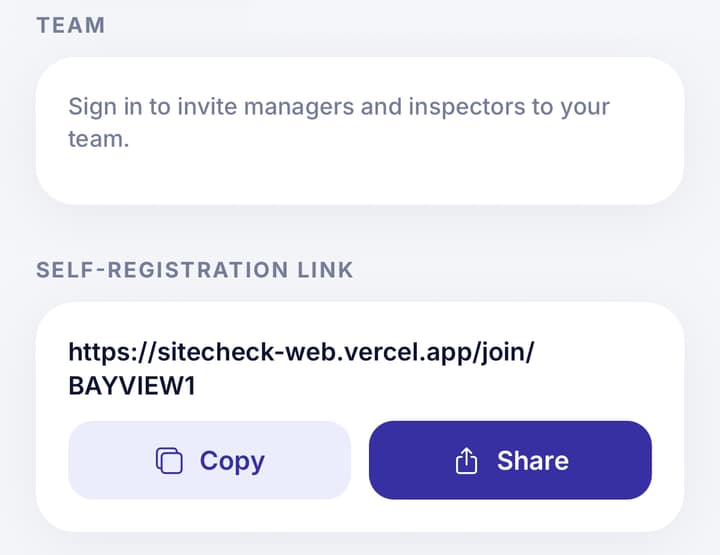
Invite your team and residents
Your team works from their own phones; residents register themselves.
- 1Sign in under Settings → Account & sync. Team invites need an account.
- 2In Settings → Team, tap "Invite manager" or "Invite inspector" and share the code.
- 3Residents: copy or share the "Self-registration link" in your building WhatsApp group or by email.
- 4People who register appear in People → Roster. You can also add them yourself or import a CSV.