Help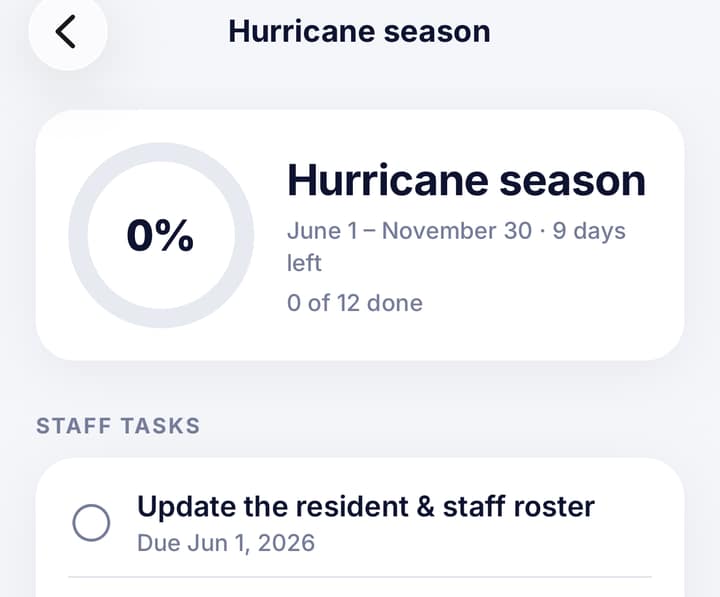
Before a storm: season prep, drills and the document vault
Ten minutes a month keeps the property ready.
- 1On Home, open the "Hurricane season" card. Tick staff tasks as you finish them; "Remind residents" sends their checklist.
- 2Run a drill: Drills → "Schedule a drill" or "Start drill now". Residents answer from their link, just like a real event.
- 3After the drill, tap "End drill" to see how many answered and how fast.
- 4Open the Document vault and "Add document": insurance policy, floor plans, shutoff photos and vendor contacts.
- 5Add expiry dates to policies: SiteCheck reminds you before they lapse.