Help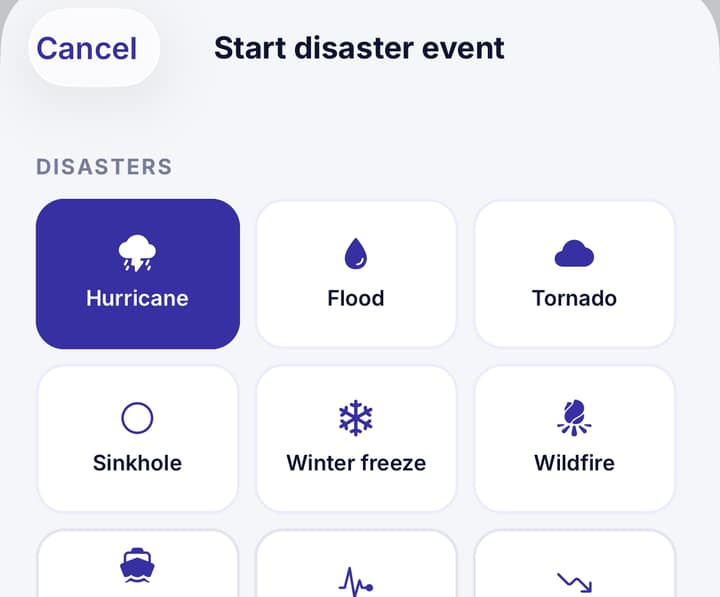
Start an event
Starting an event turns on roll call and inspections for everyone on your team.
- 1On Home, tap "Start disaster event".
- 2Choose the hazard (hurricane, flood, fire, power outage…) and give it a name, e.g. "Hurricane Milton".
- 3Pick the roll-call type: evacuate, shelter in place or lockdown.
- 4Tap "Start disaster event" at the bottom. Home turns red with a live timer, and the app switches to a high-contrast dark theme.
- 5When it is over, open the event on Home and end it. Then send the "No active event" message (the all-clear).
💡 Fire, gas leak, active threat or structural damage? Call 911 first. SiteCheck is not an emergency service.