Help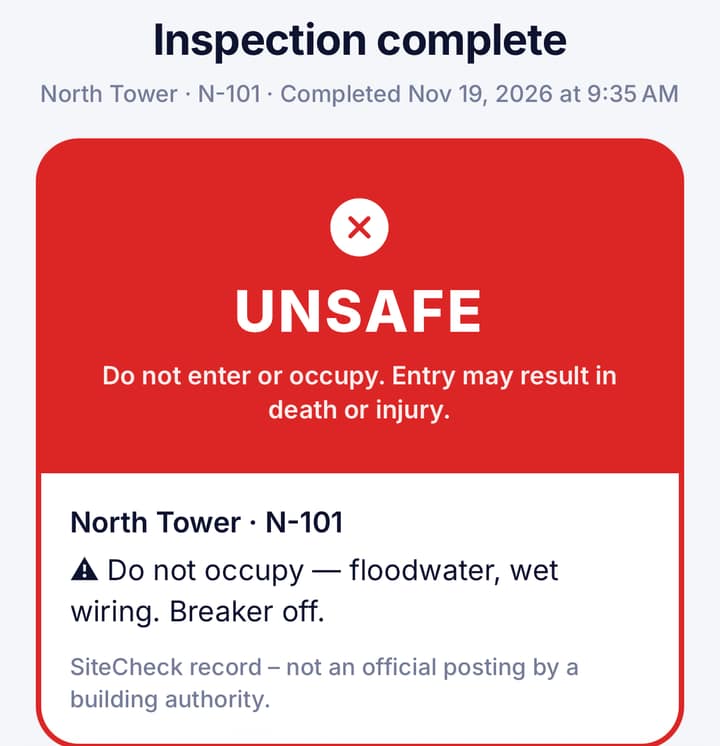
Inspect a unit and post a placard
A guided checklist with photos, notes and your signature.
- 1Go to Buildings, open a building and tap a grey (not inspected) unit.
- 2Check your name, then answer each checklist question. Tap "Next" to move on.
- 3Add photos and notes. Works with no signal: everything saves on the phone.
- 4On "Sign & post", choose the posting yourself, confirm you are qualified, sign and type your name.
- 5Tap "Confirm posting", then "Print placard" or share the placard PDF to post at the door.
💡 SiteCheck never suggests a posting. The decision is always the qualified inspector’s.