Help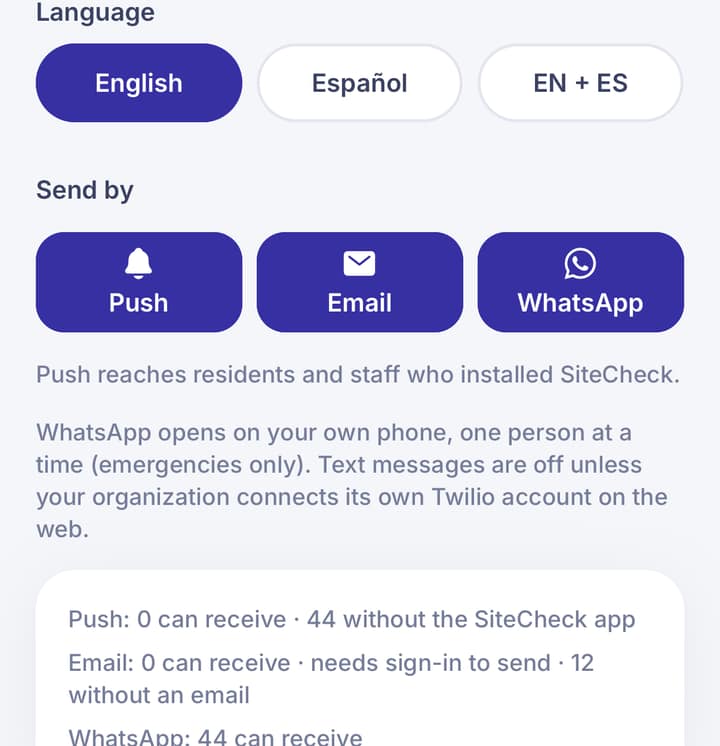
Message residents
Choose who, what and how. SiteCheck shows exactly who each channel can reach before you send.
- 1On Home, tap "Message residents". Pick the audience: everyone, not answered, priority check, a building or a floor.
- 2Pick a message and language (English, Español or both). Each person gets their own check-in link.
- 3Push: reaches people who installed SiteCheck and signed in. Email: anyone with an email address, sent by our server when you are signed in.
- 4WhatsApp: opens on your own phone, one person at a time, for emergencies. No WhatsApp? Copy each message instead.
- 5Check the count ("12 of 44 can be reached"), then tap "Send to …". Everything is kept in the message log.