Help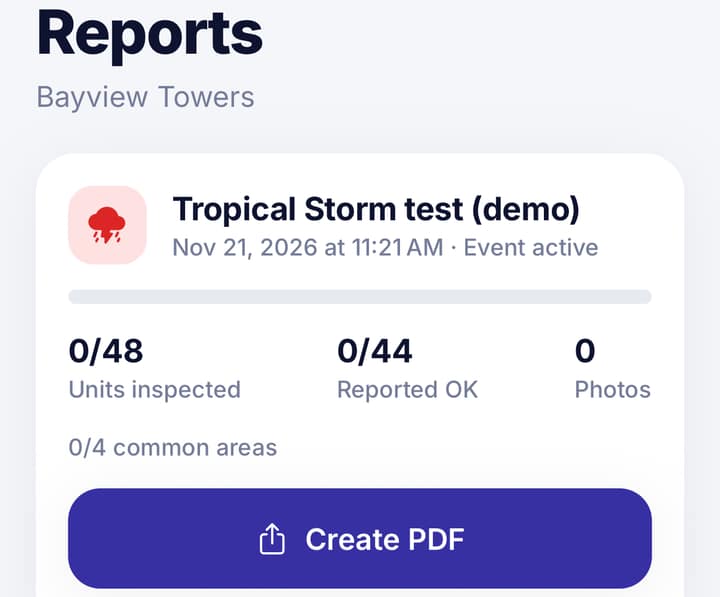
Create reports for the board and insurance
PDFs you can share in minutes, straight from the phone.
- 1Open the Reports tab and pick the event.
- 2Insurance report: choose what to include (photos, people accountability) and tap "Create PDF".
- 3For the board: "Share one-page summary" gives the event at a glance.
- 4Once a year, "Create [year] board report" summarizes drills, events and readiness.
- 5Share by email, Messages or AirDrop, or save to Files.