Help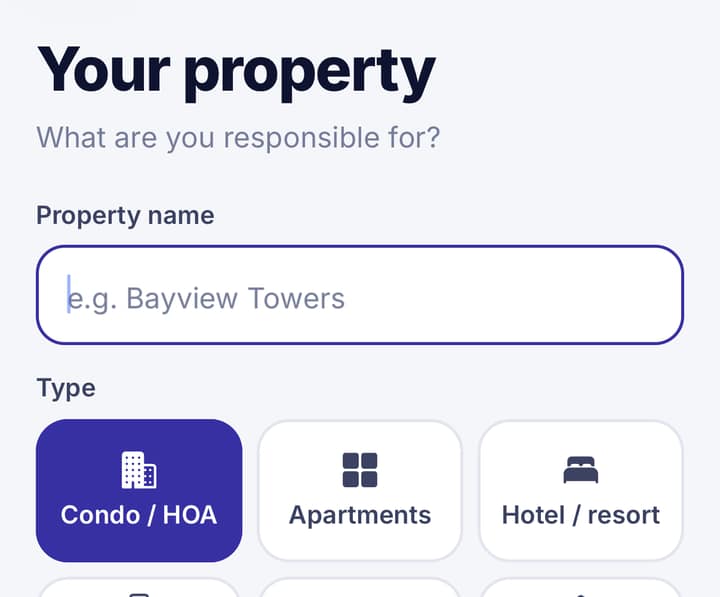
Quick start: set up your property in 5 minutes
Everything you need before the first storm, in one pass.
- 1On the first screen, tick the agreement box and tap "Next". Choose what you manage (condo, apartments, school…).
- 2Type the property name residents know and its address. The address is used for storm alerts and on every report.
- 3Add each building or tower. Then enter the floors and units per floor: SiteCheck numbers the units for you.
- 4Add residents: share the resident sign-up link, add people one by one ("Add person") or import a CSV.
- 5Optional: sign in under Settings → Account & sync so your team sees the same data.
💡 Want to look around first? Tap "Explore demo property". It lives only on your phone and can be removed in one tap.