Help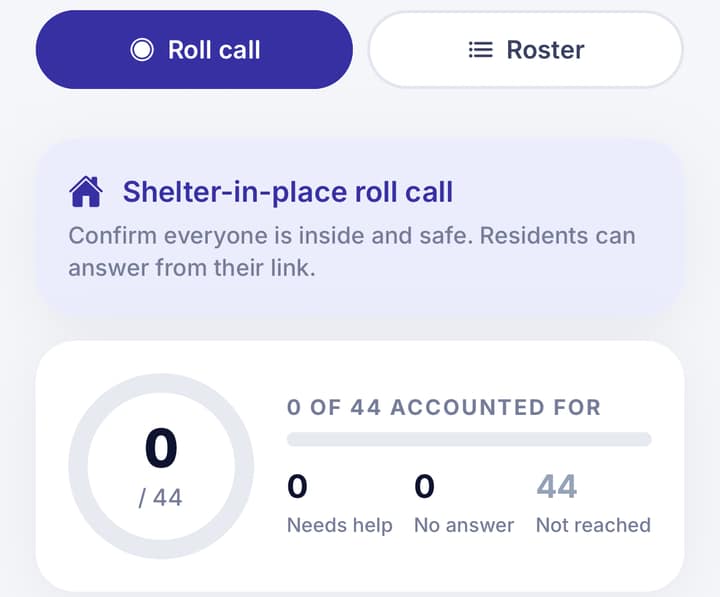
Run roll call
Know who is OK, who needs help and who has not answered.
- 1During an event, tap "Roll call" on Home.
- 2Tap "Request check-ins" to send everyone their personal check-in link.
- 3As people answer, they move to the right group. Mark others yourself: "Reported OK", "Needs help" or "No answer".
- 4For "Needs help", add a short note. That person moves to the top of the list.
- 5Watch the counter at the top until everyone is accounted for. Use the filters to see who is left.
💡 Each mark shows who made it and when, so the record holds up later.